How to Prepare Your Design for CNC Cutting
File types, closed shapes, minimum detail sizes and lattice connections — practical tips that help your design cut cleanly the first time.
· 6 min read
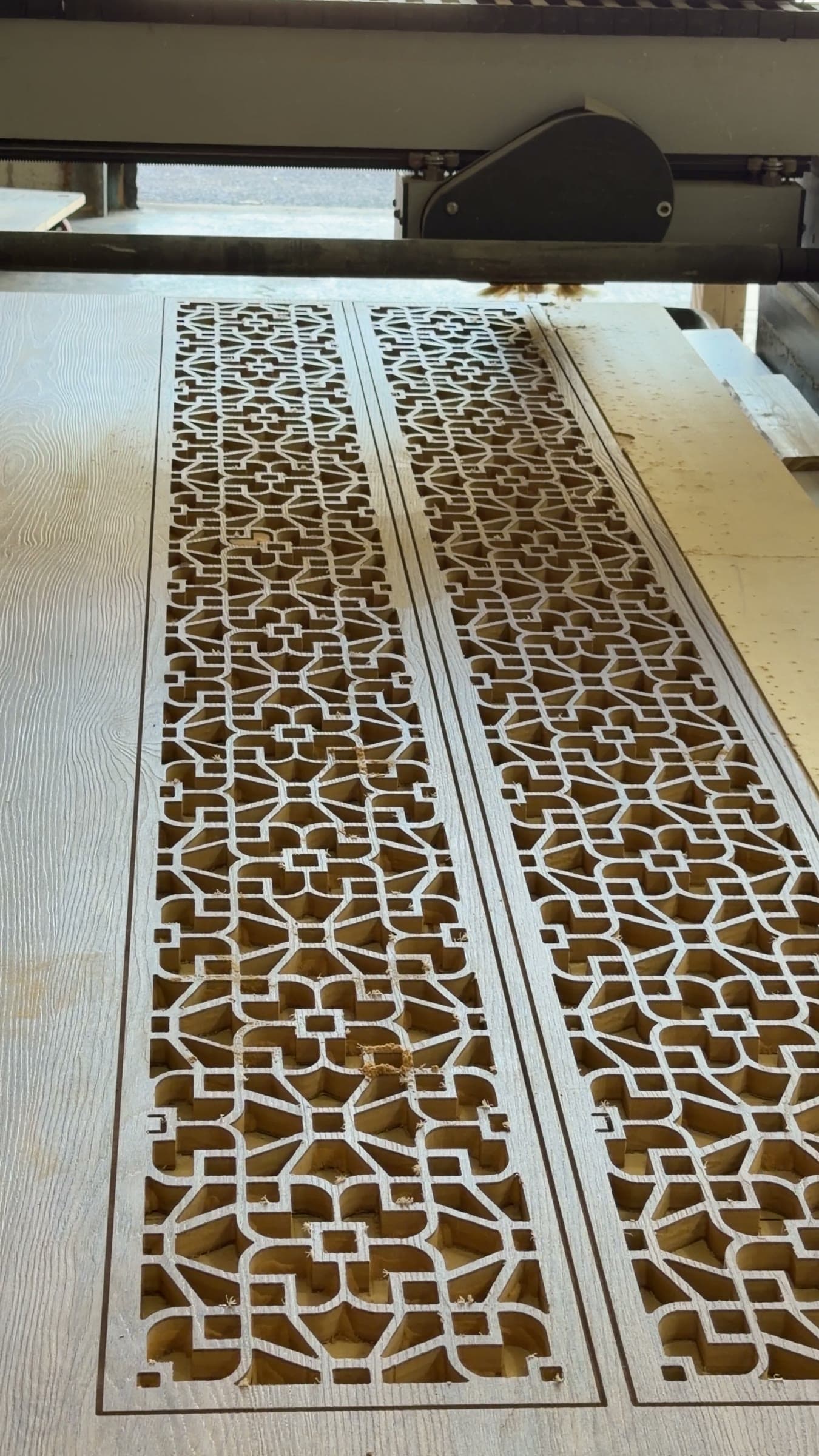
You don't need a perfect file to start a project — but a little preparation helps the design translate cleanly from screen to material.
Start with vectors where you can
Machines cut along lines, so vector formats such as DXF, SVG, AI or PDF are ideal. A photo or sketch is still a great starting point; it simply needs to be redrawn as clean vector paths before cutting.
Close every shape
Each outline should be a closed path with no gaps or overlapping duplicate lines. Open or doubled lines can confuse the cut path.
Mind the smallest details
On a router, the smallest gap or hole you can cut is set by the cutting bit's diameter, and inside corners will have a slight radius. Very thin bridges of material may also be fragile once cut. If a detail is too fine, it can usually be simplified without changing the look.
Keep lattice patterns connected
In a jali or lattice design, every solid part must connect back to the frame. Any 'island' of material with no connection will simply fall out when cut. Text with enclosed centres — like the inside of an O — needs the same thought for stencil-style designs.
Include size and orientation
- State the finished width and height
- Mark which side faces out if it matters
- Convert any text to outlines, or tell us the font name
- Note anything that must align with walls, lights or other furniture
Start your project
Let's make something extraordinary.
Tell us about your space and your idea. We'll help shape it into a piece made precisely for it.